If your website isn’t ranking the way it should, the problem might not be your content — it could be something happening behind the scenes. That’s where a solid technical seo checklist comes in. Technical SEO is the foundation that lets search engines crawl, understand, and index your site properly. Without it, even the best-written content can go unnoticed.
In this guide, we’ll walk through everything you need to check, fix, and monitor to keep your website technically sound and search-engine friendly.
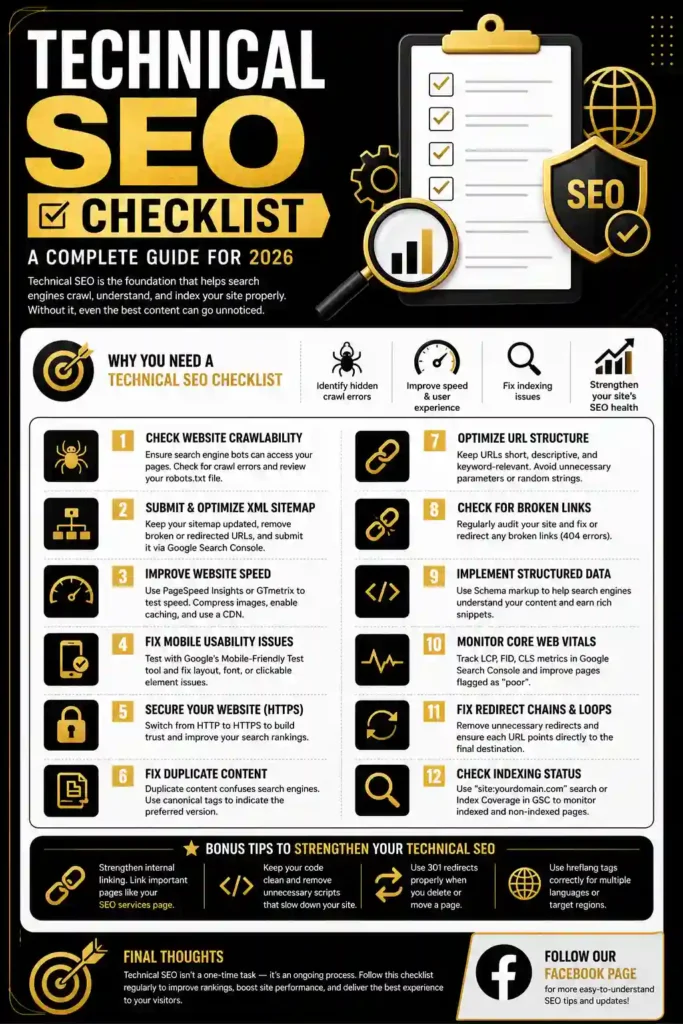
Why You Need a Technical SEO Checklist
Before diving into the steps, let’s understand why this matters. Search engines like Google use bots to crawl websites, and these bots need a clean, fast, and error-free path to do their job well. If your site has broken links, slow loading speed, duplicate content, or poor mobile experience, Google may struggle to rank your pages — no matter how good your writing is.
A well-structured checklist helps you:
- Identify hidden crawl errors
- Improve page speed and user experience
- Fix indexing issues
- Strengthen your site’s overall SEO health
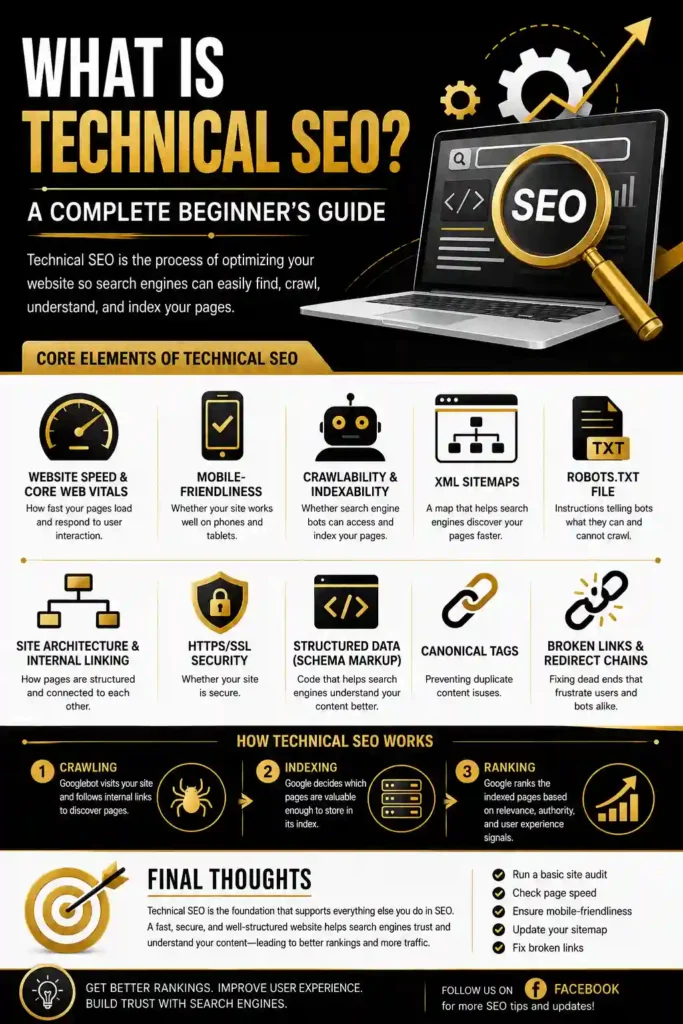
If you’re just starting out with SEO, it also helps to first understand the basics of What is Technical SEO before jumping into technical fixes — the two work hand in hand.
The Ultimate Technical SEO Checklist
Here’s a step-by-step breakdown of what you should check regularly.
1. Check Website Crawlability
Make sure search engine bots can actually access your pages. Use Google Search Console to check for crawl errors, and review your robots.txt file to confirm you’re not accidentally blocking important pages.
2. Submit and Optimize Your XML Sitemap
Your sitemap acts like a map for search engines. Keep it updated, remove broken or redirected URLs, and submit it directly through Google Search Console.
3. Improve Website Speed
Page speed is a confirmed ranking factor. Use tools like Google PageSpeed Insights or GTmetrix to test loading time. Compress images, enable browser caching, and consider a content delivery network (CDN) if your traffic is growing.
4. Fix Mobile Usability Issues
With mobile-first indexing, Google primarily looks at the mobile version of your site. Test your pages using Google’s Mobile-Friendly Test tool and fix any layout, font, or clickable element issues.
5. Secure Your Website with HTTPS
If your site still runs on HTTP, it’s time to switch. HTTPS is a trust signal for both users and search engines, and it directly affects rankings.
6. Fix Duplicate Content and Canonical Tags
Duplicate content confuses search engines about which page to rank. Use canonical tags to point search engines to the preferred version of a page.
7. Optimize URL Structure
Keep URLs short, descriptive, and keyword-relevant. Avoid unnecessary parameters or random strings that make your links look messy.
8. Check for Broken Links (404 Errors)
Broken links hurt both user experience and crawl efficiency. Regularly audit your site using tools like Screaming Frog or Ahrefs, and fix or redirect any dead links.
9. Implement Structured Data (Schema Markup)
Schema markup helps search engines understand your content better and can improve your chances of getting rich snippets in search results — things like star ratings, FAQs, or product info.
10. Monitor Core Web Vitals
Google’s Core Web Vitals measure real-world user experience — loading performance, interactivity, and visual stability. Keep an eye on these metrics inside Google Search Console and fix any pages flagged as “poor.”
11. Fix Redirect Chains and Loops
Multiple redirects slow down page loading and waste crawl budget. Clean up your redirect chains so each URL points directly to its final destination.
12. Check Indexing Status
Use the “site:yourdomain.com” search command or Google Search Console’s Index Coverage report to see which pages are indexed — and which ones might be missing.
Bonus Tips to Strengthen Your Technical SEO
- Regularly update your internal linking structure so important pages get more visibility. For example, linking to a well-optimized page like your SEO services page helps distribute authority across your site.
- Keep your website’s code clean and avoid unnecessary scripts that slow down rendering.
- Set up 301 redirects properly whenever you delete or move a page.
- Use hreflang tags correctly if your site targets multiple languages or countries.
Final Thoughts
Technical SEO isn’t a one-time task — it’s an ongoing process. Search engines keep updating their algorithms, and your website needs to keep up. By following this technical seo checklist regularly, you’ll not only improve your search rankings but also create a smoother, faster, and more trustworthy experience for your visitors.
Start small — fix your site speed, clean up broken links, and secure your site with HTTPS. Once the basics are solid, move on to advanced steps like schema markup and Core Web Vitals optimization.
If you found this checklist helpful, feel free to follow our Facebook Page for more easy-to-understand SEO tips and updates. our youtube